What Boost compresses
- Photos — HEIC and JPEG via Apple Image I/O with perceptual quality presets
- Videos — HEVC (H.265) re-encoding via Apple's AVFoundation video toolbox
- PDFs — embedded-image recompression and font subsetting
- Live Photos — compressed as a linked still + short clip pair
Why compression is a storage hack most people miss
The largest files on most iPhones aren't photos — they're videos. A 60-second 4K ProRes clip shot on a recent iPhone can easily be 400 MB. A few dozen of those and you're out of storage. Boost re-encodes long videos into HEVC with imperceptible quality loss and can cut their size in half. You keep the videos. You keep the quality. You just free up 8–20 GB on a typical user's library.
How Boost works without uploading
Most "pro" compression services upload your file to their server, re-encode it there, and send back a smaller version. That has two problems: your photos and videos are now on someone else's machine, and you're waiting on a network round trip for every file. Boost does it entirely on-device using Apple's native video toolbox and image I/O APIs. No upload, no waiting, no account.
The compression dashboard
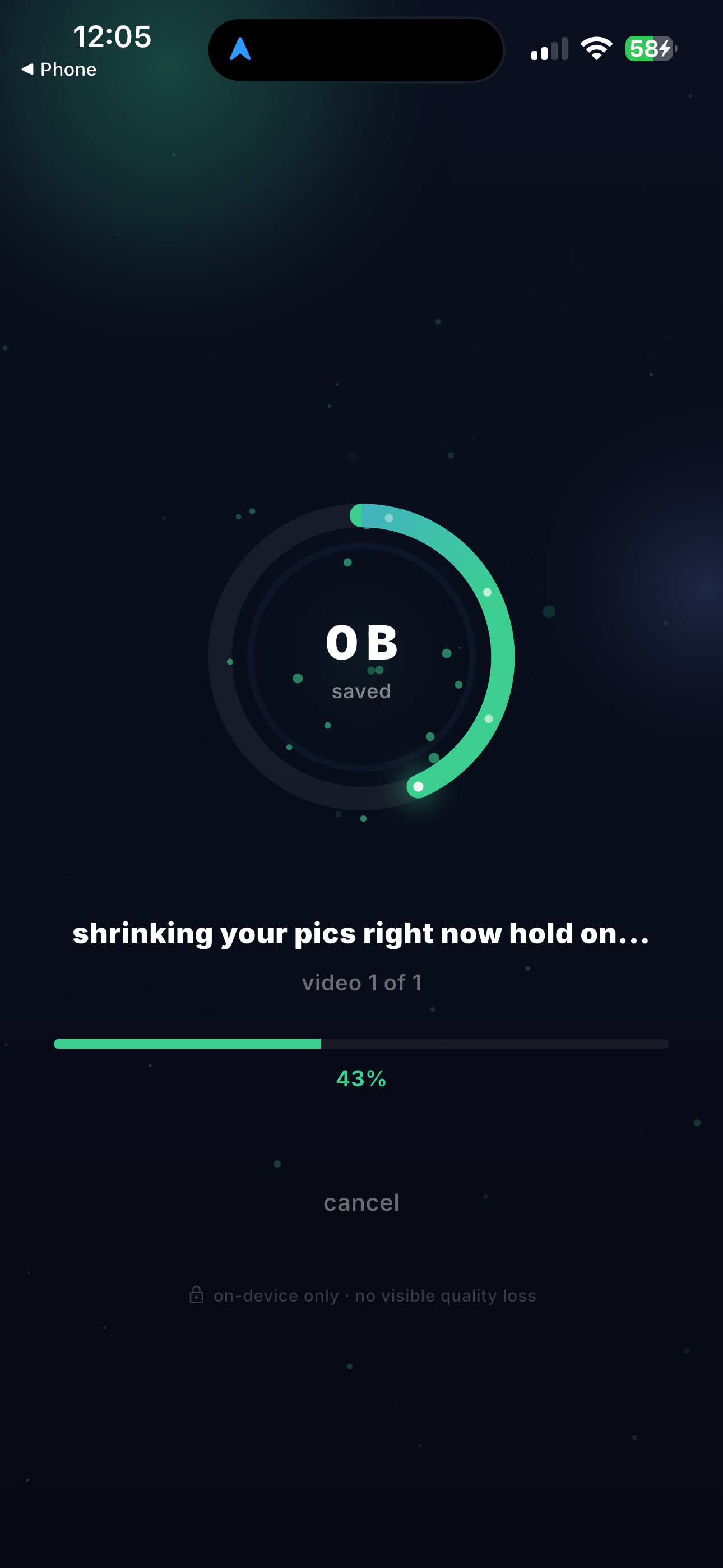
Boost lives on its own dashboard inside MemeScanr. You can see how much storage you've reclaimed with a compression orb, browse compressed items by category, revert any item to its original from history, and vault compressed items in Backroom.
Boost FAQ
How much space does Boost save?
Typical compression ratios: HEIC photos shrink 40–60%, HEVC videos shrink 50–70% depending on source resolution and bitrate, and PDFs shrink 30–80% depending on embedded images. A user with 2,000 videos can realistically recover 8–20 GB.
Does Boost reduce quality?
Boost uses native iOS video and image encoders with perceptually optimized presets, so quality loss is not visible in normal viewing. It is not a lossless tool — there is re-encoding — but the difference is indistinguishable from the original at typical phone viewing distances.
Does Boost upload my files?
No. All compression runs on-device using Apple's native video toolbox and image I/O frameworks. Your photos, videos, and PDFs never leave your iPhone.
Can I revert a compression?
Boost creates a compressed copy and keeps the original in the Boost history until you confirm deletion. You can revert to the original from the history until you free that slot.
What file types does Boost support?
Boost supports HEIC and JPEG photos, HEVC and H.264 video, and PDF documents. Live Photos are compressed as video+photo pairs. RAW photos are not currently supported.
Is Boost free?
Boost is a MemeScanr Premium feature. Premium is available as a monthly, yearly, or $59.99 lifetime purchase with a 3-day free trial.